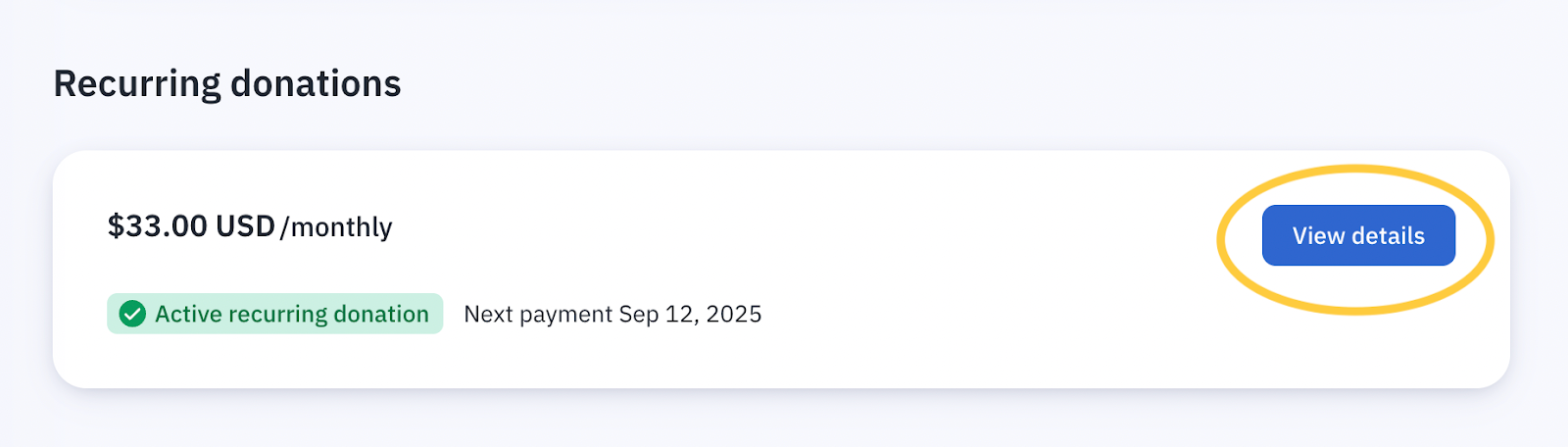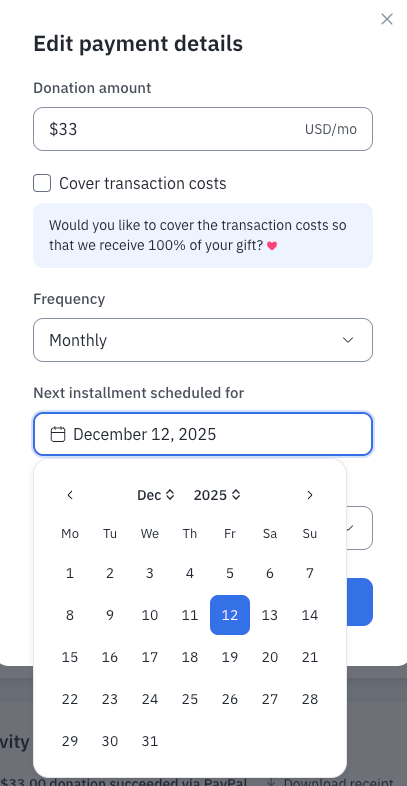
To skip a donation you can either update the frequency (monthly or annually) or choose the next date when you would like your donation to occur (up to 12 months). Please keep in mind that pausing your donations also pauses your Catalyst Community benefits. You can access these options through your donor portal by clicking on the bottom of any of your email receipts (there is a button called "Go to Donor Portal"), or click here.
To update the frequency or pause, click 'View Details' and then 'Edit'. You can find some sample screenshots below for reference.